Why Visual Pipelines Beat Prompt-and-Pray: The Nova Advantage
Single-shot prompting is a gamble. Visual pipelines give you control, iteration, and reproducibility. Here is why the difference matters for professional content creation.
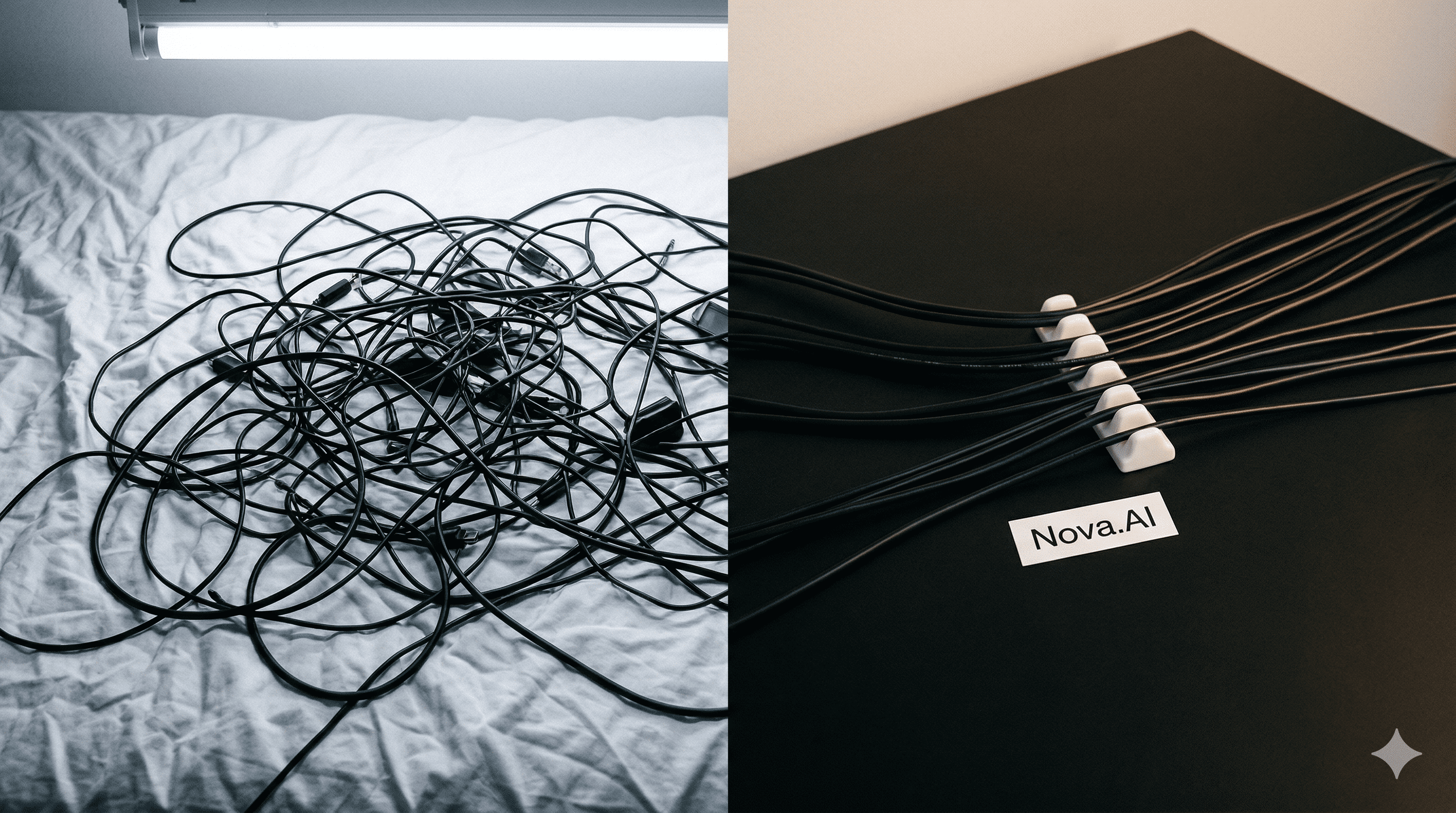
The Prompt-and-Pray Problem
You have been there. You type a carefully crafted prompt into an AI tool, hit generate, and wait. Sometimes the result is stunning. Sometimes it is unusable. You tweak the prompt, try again, and get something completely different. After twenty minutes and a dozen attempts, you might have one usable output -- or you might still be searching.
This is "prompt-and-pray" -- the dominant way most people use AI tools today. It works for casual exploration, but it breaks down the moment you need consistent, professional-quality output on a deadline.
The problems are structural:
- No iteration path. Each generation is a fresh start. You cannot say "keep everything but change the lighting" because the model does not remember previous outputs.
- No branching. You cannot try three different approaches simultaneously and compare them side by side.
- No reproducibility. Even with the same prompt, results vary between runs. There is no way to guarantee consistency across a batch of content.
- No composition. A single model can do one thing. If you need text, image, video, and audio, you are switching between four different tools.
Key takeaway: Prompt-and-pray works for exploration, but it is a fundamentally limited approach for professional content production. The randomness is the feature for hobbyists and the bug for professionals.
What Visual Pipelines Do Differently
A visual pipeline is a structured workflow where each step is a node on a canvas, and data flows between nodes through explicit connections. This structure addresses every limitation of single-shot prompting.
Control at Every Stage
In a pipeline, you can inspect the output of every node independently. If the text generation step produced a great prompt but the image model interpreted it poorly, you see exactly where the breakdown happened. Fix the one node that needs work without touching anything else.
Parallel Branching
Want to compare three different image models on the same prompt? Branch your pipeline into three parallel paths and run them simultaneously. Review the results side by side and pick the best one. This would take three separate sessions in a prompt-and-pray approach.
Reproducibility
Save your pipeline as a template. Run it next week with a different input and get structurally identical output -- same quality, same style, same format. The randomness is contained within each node's generation, but the overall workflow is deterministic and repeatable.
Multi-Model Composition
The most powerful advantage is composition. A visual pipeline chains text, image, video, audio, and utility models into a single flow. The output of one model feeds directly into the next without any manual copying, downloading, or format conversion.
Key takeaway: Visual pipelines give you the control of code with the accessibility of a drag-and-drop interface. You see the entire process, debug individual steps, and reproduce results on demand.
A Side-by-Side Comparison
Scenario: Create a product lifestyle image for an e-commerce listing.
Prompt-and-Pray Approach
1. Open an image generation tool.
2. Write a prompt describing the product in a scene.
3. Generate. Not right. Adjust prompt. Generate again.
4. After 8 attempts (15 minutes), get an acceptable result.
5. Open a separate upscaling tool. Upload. Download.
6. Need a different scene? Start over from step 1.
Visual Pipeline Approach
1. Open your saved product photography template.
2. Upload the product image.
3. Hit run. Five scenes generate in parallel, each upscaled automatically.
4. Review all five. Pick the best. Download.
5. Total time: 3 minutes.
The difference is not incremental. It is structural. The pipeline approach is faster, more consistent, and produces more options per unit of time.
When Pipelines Matter Most
Visual pipelines have the biggest advantage in scenarios that require:
- Consistency across a batch. If you need 50 product images with the same style, a pipeline guarantees uniformity.
- Multi-model workflows. Anything that involves more than one AI model (text + image + video) benefits from explicit connections.
- Iteration. When you need to refine a specific step without losing the rest of the workflow.
- Team collaboration. Sharing a pipeline is sharing a process. Sharing a prompt is sharing a starting point.
Try building a pipeline on Nova and compare the experience to your current single-model workflow. Most users see the difference within the first five minutes.
The Bigger Picture
The AI tool landscape is moving from single-model interfaces to multi-model orchestration platforms. The prompt-and-pray era was phase one -- an important phase that proved AI generation works. Phase two is structured workflows that make AI generation reliable, repeatable, and professional-grade.
Key takeaway: The question is not whether you will adopt visual pipelines. It is whether you will adopt them now -- while they are a competitive advantage -- or later, when they are table stakes.
What Will You Create Today?
Join creators using Nova to build visual AI workflows — from quick templates to advanced model chains.
Get Started Free